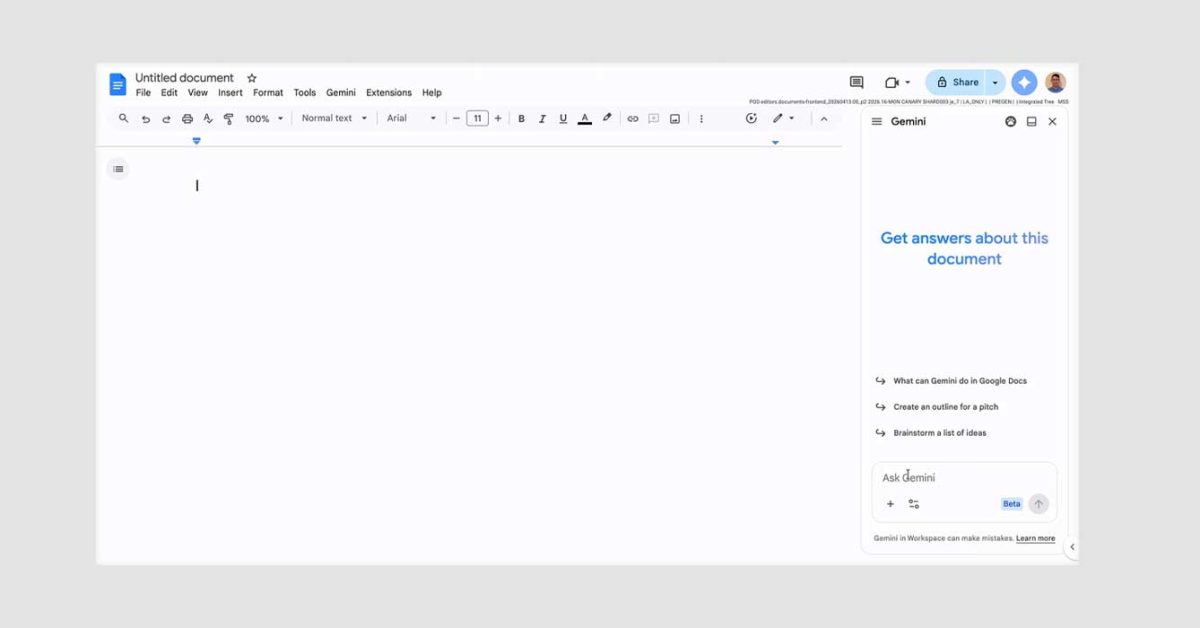
Gemini’s integration in Google Docs will now let users add groundwork instructions that it will remember across all projects.
Gemini’s behavioral change will take effect in Google Docs starting today, in an update to its instruction settings. When users interact with the agent in the side panel, they’ll now be able to tell it to set persistent instructions to set tone, style, and formatting.
Google explains:
Users can add instructions and rules using Gemini in the side panel of Docs such as “Always respond in bullet points,” “When summarizing Docs, always include a 3 bullet points at the top.”” or “Use a concise and professional tone for all my documents.”
Persistent instructions for Gemini address the repetitive nature of describing what you want your work to look like. It seems like a fitting step up in Google Docs, as the update appears now.
Each active instruction will appear in the “sources” page opened by the pill under each answer. Google says the Gemini personalization section in Google Docs settings will list previously set instructions. Users will be able to keep tabs on what instructions Gemini is abiding by for its answers.
The update will cap out at 1,000 active instructions for each Google Account in the US and in English. Google has not specified which other regions will be included for the time being. It also appears the new feature is being rolled out to Google AI Plus members and up, leaving out the free edition of Gemini.
More on Gemini:


FTC: We use income earning auto affiliate links. More.


