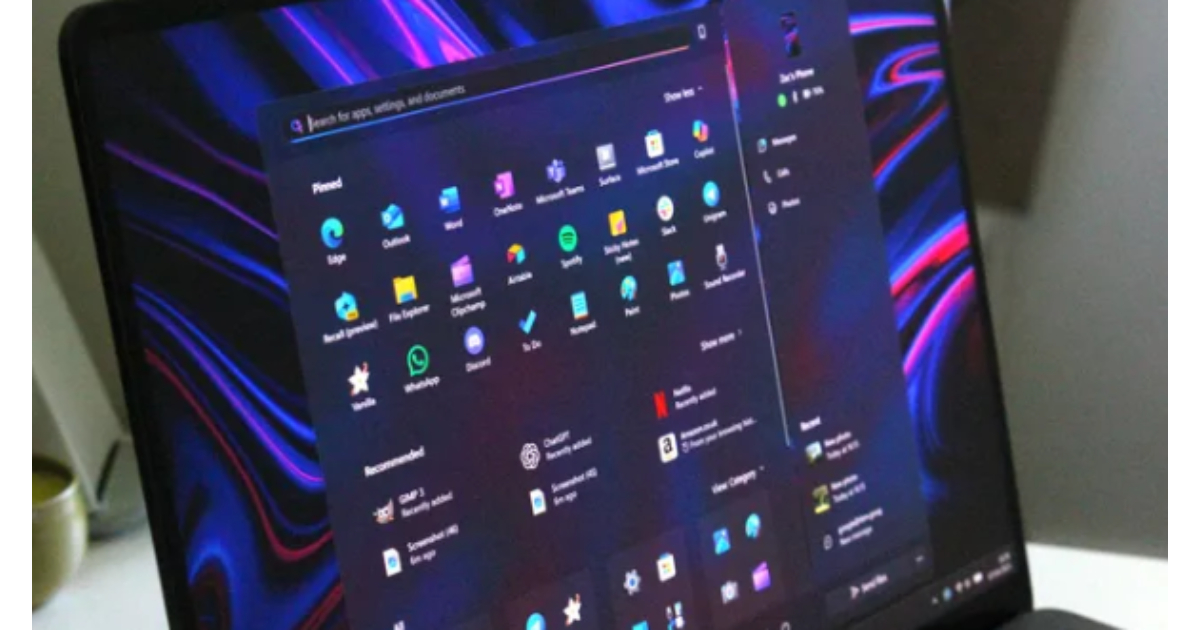
Windows 11 Start menu upgrades are set to give users far more say in how the core Windows experience looks and feels. Microsoft is rebuilding the Start menu on its WinUI 3 framework, promising snappier performance and deeper customization than the current web-based design.
Windows 11 Start menu upgrades: Start menu rebuilt from the ground up
Microsoft is developing a new Start menu for Windows 11 that moves away from React-based components to a native WinUI 3 foundation. The company says this shift is part of a wider effort, codenamed “Windows K2”, to cut interaction latency and make the operating system feel faster and more consistent.
At present, Windows automatically decides whether to show a small or large Start layout based on screen size, and users cannot override that choice. Many have complained about suddenly seeing a taller, denser menu after recent updates, particularly on laptops with limited vertical space. The refreshed design will finally let people pick their preferred layout and resize the menu directly, bringing back some of the flexibility associated with Windows 10.
Windows 11 Start menu upgrades: Powerful customization
A headline change in the Windows 11 Start menu upgrades is the ability to toggle off entire areas of Start. Users who dislike the Recommended feed, rarely pin apps, or do not rely on the All apps list will be able to hide each of these sections in Settings with a single switch. In practice, that means the Start menu can be pared back to a minimalist grid of pinned apps, or expanded into a full, scrollable hub with recommendations and a complete application index.
Developers are also testing layout tweaks that scale more intelligently with different screen resolutions. Internal builds suggest that pinned apps can take advantage of wider displays with additional columns, reducing the need to open the full apps list to reach frequently used programs.
Windows 11 Start menu upgrades: Performance boost and more reliable search
Alongside cosmetic changes, Microsoft is promising a major speed boost. One target for the WinUI 3 Start menu is to remain responsive even when the CPU is under heavy load, addressing complaints that the current menu can take several seconds to appear. The shared UI infrastructure move is explicitly aimed at “reducing interaction latency” at the platform level, according to statements from Microsoft’s Windows leadership.
Search inside Start is expected to benefit as well. Early descriptions say users should be able to tap the Windows key and start typing immediately, without dropped keystrokes or delayed results that sometimes plague the existing implementation. For power users who launch most apps and documents through Start, that reliability could prove just as important as any visual overhaul.
When will Windows 11 Start menu upgrades arrive?
Microsoft has not yet announced a public rollout date, but the company has already confirmed that work on the WinUI 3 Start menu is under way as part of its 2026 Windows 11 improvements. The changes are currently tied to the broader Windows K2 initiative, which is focused on making Windows 11 faster, more fluid and less intrusive across the desktop.
The upgraded Start experience is expected to appear first in test builds for Windows Insiders before moving into general availability. For long‑time users frustrated by the rigid, occasionally sluggish Start menu introduced with Windows 11, these upgrades may signal a rare moment where Microsoft not only acknowledges criticism, but rebuilds one of its most iconic features around it.


