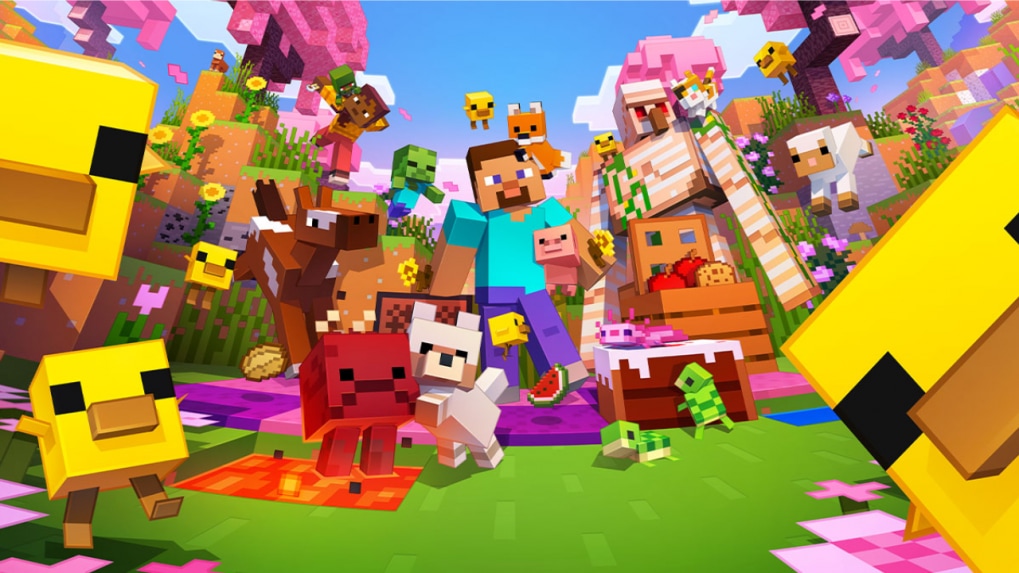
Ahead of increased player interest in fresh in-game content, developer Mojang has released the Minecraft Bedrock 26.20 update, introducing new additions including Chaos Cubed experimental features such as Sulfur Cubes and Sulfur Caves, as reported by gaming updates, with the latest version now available across multiple compatible platforms and offering a relatively straightforward download process for users.
The update is being rolled out globally and can be accessed across consoles, PC and mobile devices, with installation steps varying slightly depending on the platform, as informed by platform-specific guidelines.
PlayStation 4 and PlayStation 5
Users can locate Minecraft within their console library or frequently played section, after which they must press the Options button on the controller and select the check for updates option, following which the system will automatically detect the 26.20 update and add it to the download queue, as stated in PlayStation update instructions.
Nintendo Switch / Switch 2
Players are required to launch Minecraft on the Nintendo Switch, where a notification regarding the update is expected to appear on screen, upon selecting which they will be redirected to the Nintendo eShop, where clicking the update option will initiate the download process, as informed by Nintendo platform prompts.
Xbox One / Series X|S
Users must navigate to the My Games & Apps section and highlight Minecraft within their game library, then access the menu to select Manage Game & Add-Ons, where the updates section will display the available files, allowing the system to download the latest version automatically, as stated in Xbox system instructions.
Windows 10/11 (PC via Minecraft Launcher)
Players using PC can open the Minecraft Launcher and select Minecraft: Bedrock Edition from the sidebar, where the launcher automatically checks for updates each time it is opened and installs the latest version before launch if available, while users without the launcher will need to install it first, as informed by PC setup guidelines.
Android and iOS (Pocket Edition)
Android
Users need to open the Google Play Store and search for Minecraft, where the update option will appear in place of the open button if available, allowing them to download the latest version with a single tap, as stated in Android app store instructions.
iOS
Players can access the Apple App Store and search for Minecraft, where an update button will appear alongside the app listing, enabling them to install the latest version directly, as informed by iOS update procedures.
First Published on


