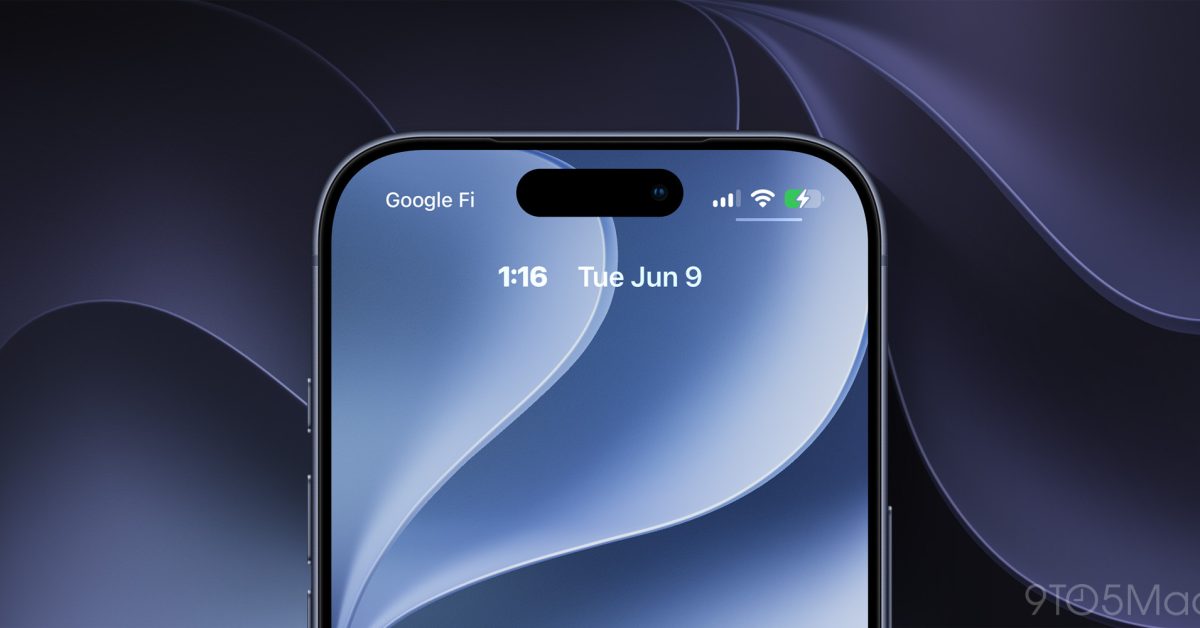
iOS 27 adds a brand new Siri, new features in CarPlay and Apple Wallet, and more—including a unique clock setting to personalize your iPhone’s Lock Screen even more.
iOS 27 lets you minimize the Lock Screen clock so your wallpaper is unobstructed

Last year, iOS 26 added the ability to make the Lock Screen clock larger than ever—at least for the Liquid Glass style.
But in iOS 27, Apple is moving the opposite direction.
Now, you can minimize the Lock Screen clock, stowing it away in the top widget row. This frees up a ton of space on your Lock Screen so your wallpaper image can be unobstructed.
Here’s what it looks like in practice, per 9to5Mac’s X post:
As you can see in the video above, iOS 27 adds a new icon in the top-right of the Font & Color panel when customizing your Lock Screen/wallpaper.
Tapping the new icon shrinks the clock down so it’s out of the way of your wallpaper image. It instead will live in the top widget row with a very small font.
This behavior is similar to what iOS 26 already did when it displayed fullscreen album art. But now, you can get that minimized clock all the time.
If you’ve ever been frustrated by how your iPhone’s clock hides too much of your wallpaper, this new setting might be the perfect solution. Especially if you own an Apple Watch and don’t rely as often on your iPhone for checking the time.
Will you use this new Lock Screen clock setting in iOS 27? Why or why not? Let us know in the comments.
Best iPhone accessories


FTC: We use income earning auto affiliate links. More.


