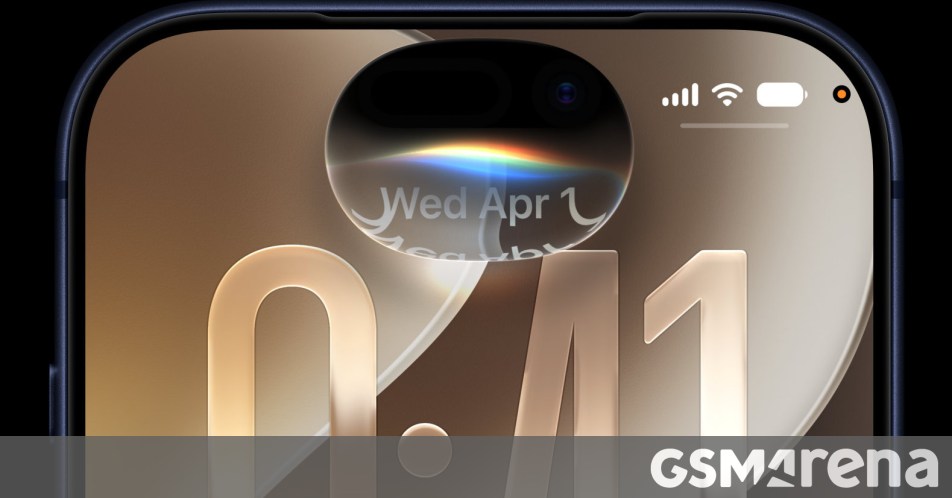
At its Worldwide Developers Conference, Apple talked about the upcoming iOS 27 and iPadOS 27. Both of these are available in preview for developers today, and they will be in open beta for anyone to try starting next month. They will then be released to the public this fall.
The headline feature for both iOS 27 and iPadOS 27 is, of course, Siri AI, the company’s long-awaited AI chatbot that’s deeply integrated into these systems, complete with its own app. There are also a bunch of other new AI features that Apple has grouped into the “next-gen Apple Intelligence” umbrella.
Aside from all of that AI stuff, you can expect to see design refinements for Liquid Glass, including a slider that you can use to select how much transparency you want. Apple also says it’s updated the UI “with more uniform refraction and improved contrast”, while app icons should be sharper and more detailed.


iOS 27
App launches will be up to 30% faster, new photos will load in your library up to 70% faster, and AirDrop transfers are up to 80% faster. There will also be smoother network transitions between Wi-Fi and cellular data. There’s even a newly optimized CPU scheduler to enhance smoothness.
The Mail app’s search has a new ranking system that “brings the most relevant results to the top”, Apple promises, while VoiceOver gets “new capabilities for understanding the world around you”, with richer image descriptions and Action button integration, it automatically generates synced subtitles for any video, and can even translate existing captions in other languages.
iCloud Shared Albums will let friends and family using Android and Windows join and contribute their own photos, and Shared Albums also have support for full-resolution sharing. The Maps app gets an enhanced Flyover mode, and GymKit comes to the iPhone and AirPods Pro 3, letting you connect to compatible gym equipment.

iPadOS 27 will let you play any set of photos and videos as a slideshow, with options for duration, transition style, and music, and even save it as a video to your library if you want. Missed message notifications and unread count sync faster and more reliably on your iPad, and you can add and edit events to your calendar by just describing them. Finally, browsing and transferring files from an iPad to an external drive is up to five times faster.