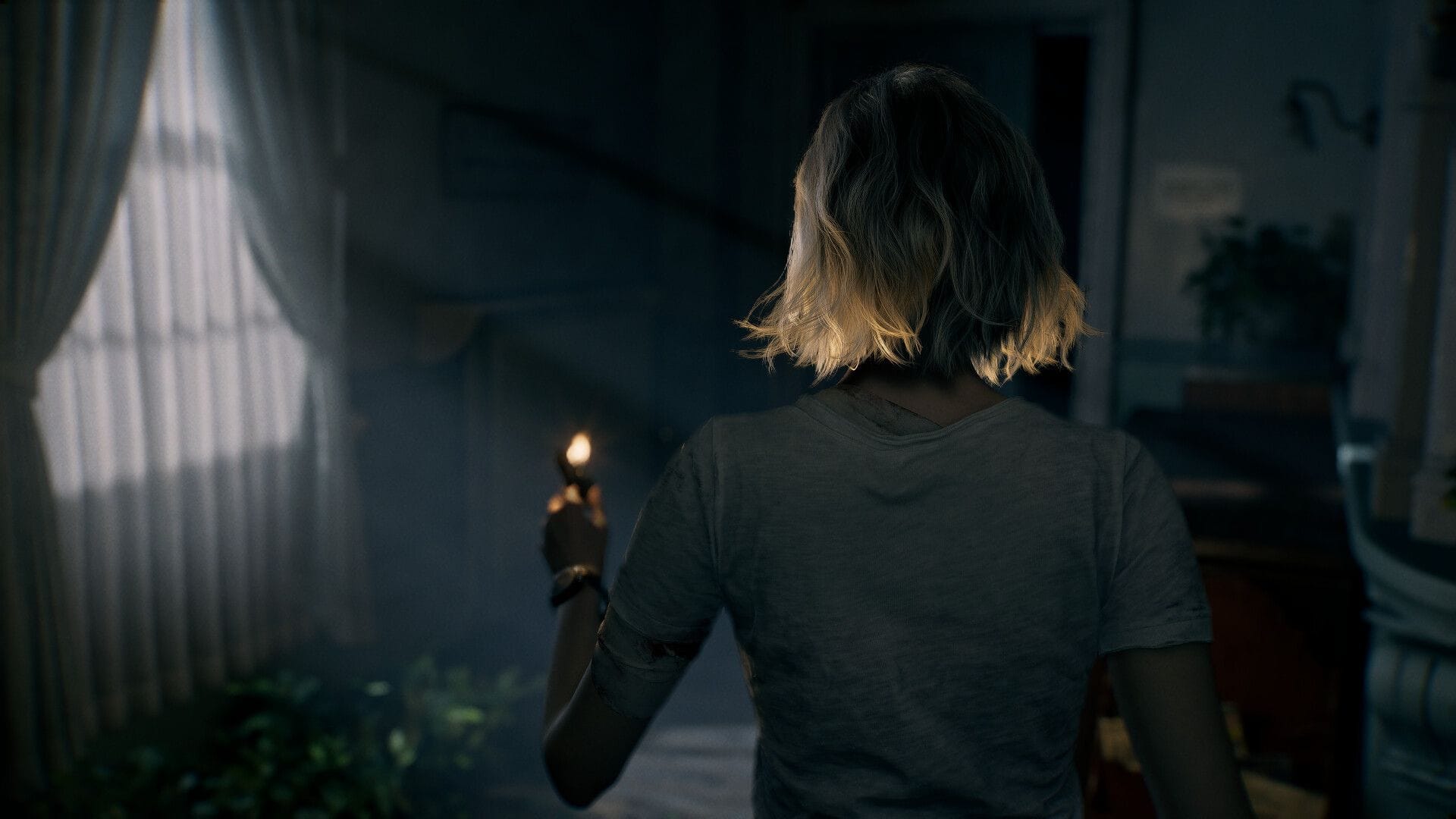

Resident Evil Requiem launched on February 27, 2026, and many players are complaining about a stuttering issue they are facing in the game. Some players are facing severe stuttering issues in specific places, and some are facing micro stutters when navigating through different rooms, cutscene transitions, and more.
Although there isn’t any absolute fix for the issue, there are certain workarounds that you can try out, and hopefully, they can solve the Resident Evil Requiem stuttering issue on your PC.
Here we provide all possible fixes that you can try out.
Note: The fixes provided in this article are not guaranteed to work.
How to possibly fix Resident Evil Requiem stuttering issue?
Here are a few tweaks and changes that you can make to possibly resolve the Resident Evil Requiem stuttering issue on your PC.
1) Tweak your graphics settings
Before you try out other fixes, first make some changes to the graphics settings. Change the texture quality to Low or Normal. Then turn off Frame Generation and Ray Tracing. Also, change the Mesh Quality settings to Low. After that, change the Volumetric Fog Resolution to the Lowest and turn Ambient Occlusion Off or to Low.
2) Disable Resizable BAR
This is a fix that has worked for many AMD users. However, this is not an in-game change that you can make; it is a BIOS-related change. For reference, this feature, when enabled, allows the CPU to access the entire VRAM capacity at once, and in supported games, it can increase the performance. But in the case of Resident Evil Requiem, disabling it fixes the game’s stuttering issue.
To disable this feature, follow these steps:
- To open the BIOS menu, restart your PC. The key depends upon your motherboard brand, but typically it is either the Delete key or the F2 key.
- Once you are in the BIOS, head to Advanced Mode.
- Select the Advanced tab and find the PCI Subsystem Settings.
- Click on it, and you will see the Resize BAR Support option.
- Turn this option to Disabled.
With this change made, head to the game and check if the issue is resolved or not.
3) Update your graphics driver
Since Resident Evil Requiem is a new game, it is highly recommended to update your driver to the latest version.
However, in the case of NVIDIA, the latest driver version 595.59 had a problem, and NVIDIA had to pull back the update. So if you have installed this version, it is highly recommended that you go back to version 591.86.
4) Restart your PC
If you have adjusted the settings or made any changes, it is recommended that you restart your PC. Even after you install the game and before directly launching it, it is best to restart your system. This helps to improve the shader caching and overall performance.
That covers all the possible workarounds that you can try out to resolve the stuttering issue in Resident Evil Requiem.
Edited by Animesh Talukdar


