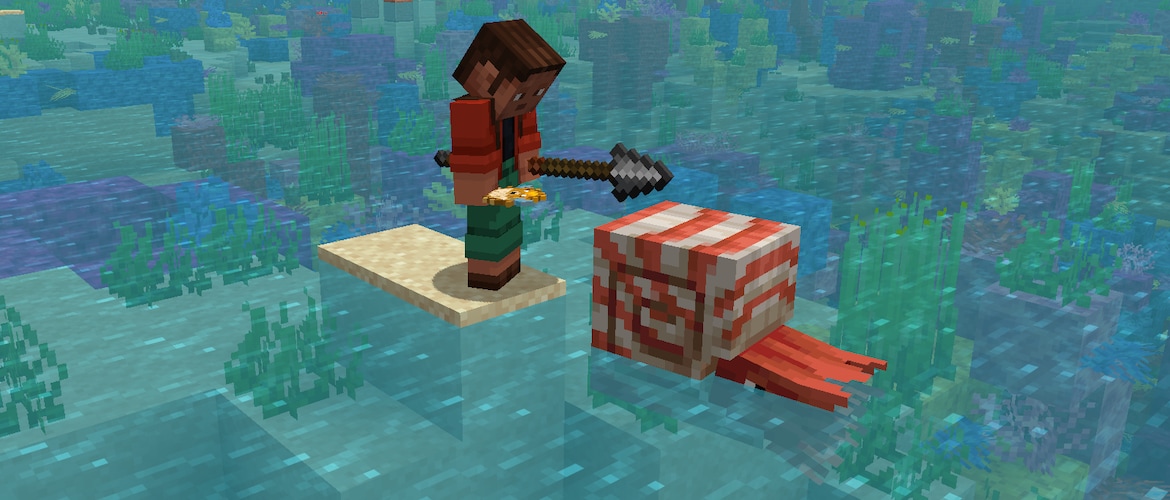
We’re starting the week with Pre-Release 4 for Mounts of Mayhem! With this one, Dispensers can now be part of the Mayhem with the new Mounts, along with other fixes!
Happy Mining!
Changes
- The attack range extension for players in Creative Mode is once again set to 2 blocks
- This reverts an accidental change that increased the range to 4 or 6 blocks in certain cases
Nautilus
- Dispensers can now equip Saddles and Nautilus Armor on tamed Nautiluses and Zombie Nautiluses
- Dismounting a Nautilus or Zombie Nautilus while on land no longer places the player inside the Nautilus
- This works given that there is a valid block to place the player on
- If there is no valid block, the player will be placed inside the Nautilus as before
Technical Changes
- The Data Pack version is now 94.1
Data Pack Version 94.1
Item Components
Changes to minecraft:attack_range
- Added fields:
- min_creative_reach: float, the minimum distance in blocks from the Creative Mode attacker to the target to be considered valid
- Default value: 0.0, valid from 0.0 to 64.0
- max_creative_reach: float, the maximum distance in blocks from the Creative Mode attacker to the target to be considered valid
- Default value: 5.0, valid from 0.0 to 64.0
- min_creative_reach: float, the minimum distance in blocks from the Creative Mode attacker to the target to be considered valid
Fixed bugs in 1.21.11 Pre-Release 4
- MC-154651 – Boats and rafts can break off paintings and item frames
- MC-300588 – Waypoint modifications reset upon death
- MC-301127 – Music stops and restarts when trying to connect to a server when the music frequency is set to constant
- MC-302516 – Zombie villagers spawn as the variant matching the biome at 0, 0, 0
- MC-302662 – Dismounting a nautilus always places you inside the nautilus
- MC-302895 – Spears held in the off hand play the charging animation when using items in the main hand
- MC-304374 – Zombie nautilus drops are not affected by Looting
- MC-304385 – Item frames and paintings pop out when in the same space as a stationary happy ghast
- MC-304547 – Items in the crafter’s slots aren’t visible
Get the Pre-Release
Pre-Releases are available for Minecraft: Java Edition. To install the Pre-Release, open up the Minecraft Launcher and enable snapshots in the “Installations” tab.
Testing versions can corrupt your world, so please backup and/or run them in a different folder from your main worlds.
Cross-platform server jar:
As we are preparing to remove obfuscation from Java Edition, you can also get a non-obfuscated experimental version of this snapshot using the Minecraft Launcher:
- Download this zip file
- Unpack the folder into your “versions” folder of your local Minecraft application data folder
- Start (or restart) the Launcher
- Create a new launch installation and select the “unobfuscated 1.21.11 Pre-Release 4_unobfuscated” version
- Start the game and the remaining files will be downloaded
An unobfuscated server jar can be found here:
Report bugs here:
Want to give feedback?


