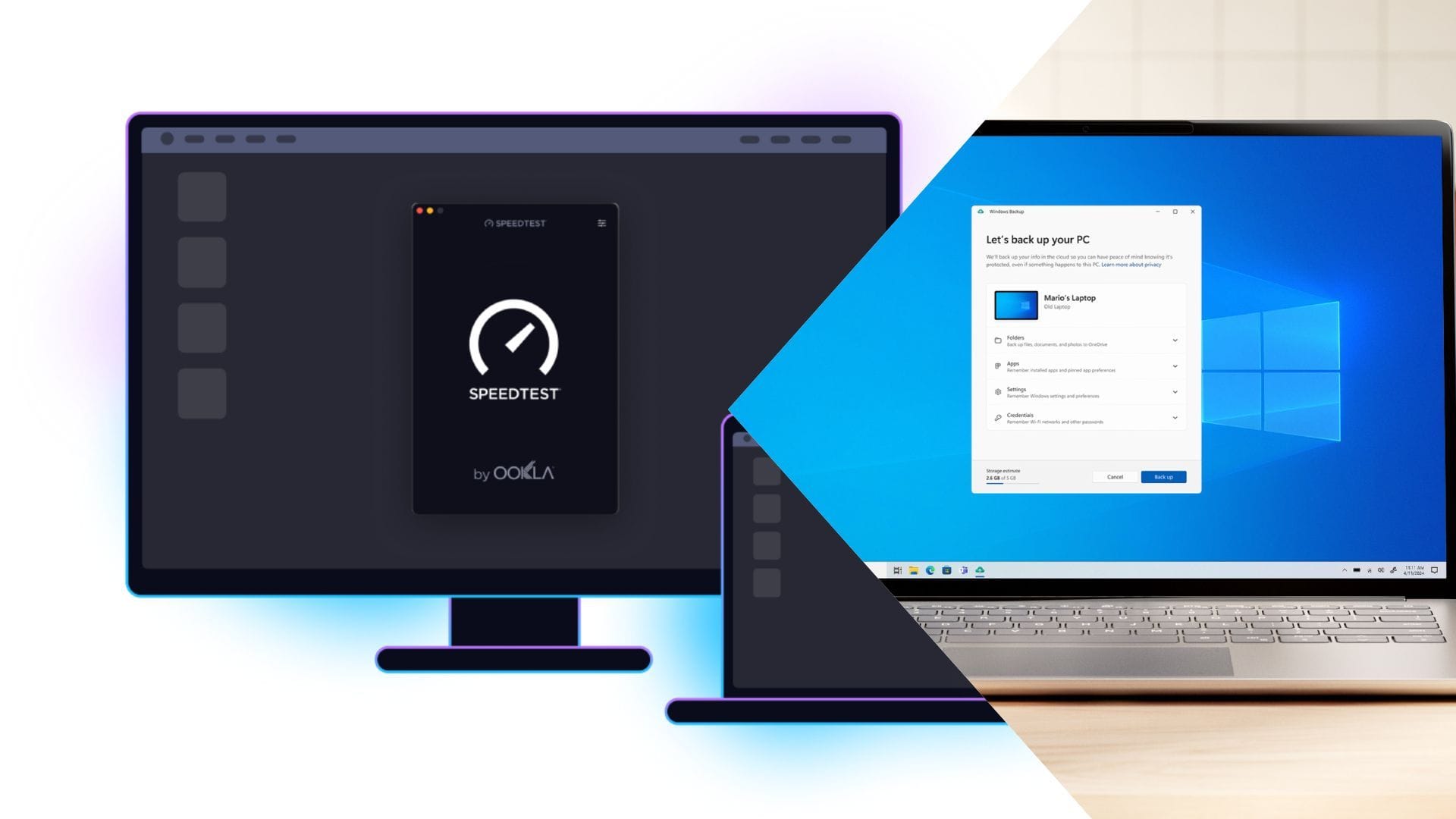

In a recent turn of events, Microsoft is adding Ookla Speedtest directly to Windows, and while many may critique its already-heavily-bloated nature and see it as just another application to deal with, the addition is a pretty useful change for everyday users, especially gamers and network enthusiasts.
Earlier, if you wanted to check your internet speed or ping, you had to open a browser or install a separate app. Now, it’s built right into Windows, so you can check your connection instantly without doing anything extra and easily determine whether the internet is the real problem when you’re lagging.
Read more: How to debloat your Windows laptop
Why Ookla Speedtest will help end-users
Moving past traditional browser-based speed tests and testing something built directly into Windows is a bigger deal than it sounds. This is because when you use a browser for speed tests, a lot of extra stuff can mess with the results, such as background tabs, browser limits, or just how the site runs, which is why sometimes your speed or ping looks inconsistent.
With Ookla’s built-in app, Windows can check your connection more directly. It talks directly to your network hardware, so the results are more accurate. For gamers/network enthusiasts, this means you can trust what you’re seeing when checking ping, download speed, or packet issues.
This also helps when figuring out what’s wrong. If you’re getting lag, you can quickly tell if it’s your internet, your ISP, or something on your system, without guessing.
Additionally, this feature is also useful in workplaces where people work remotely. Instead of everyone using random tools and getting different results, there’s now one standard way to test connection quality.
With Ookla prebundled, Windows is cutting out an extra step. You don’t need to download anything or open a browser; you can just check your connection instantly and know exactly what’s going on.
Read more: Huawei Pura 90 series launched in China: Specs, features, and price
Edited by Mainak Kumar Dey


