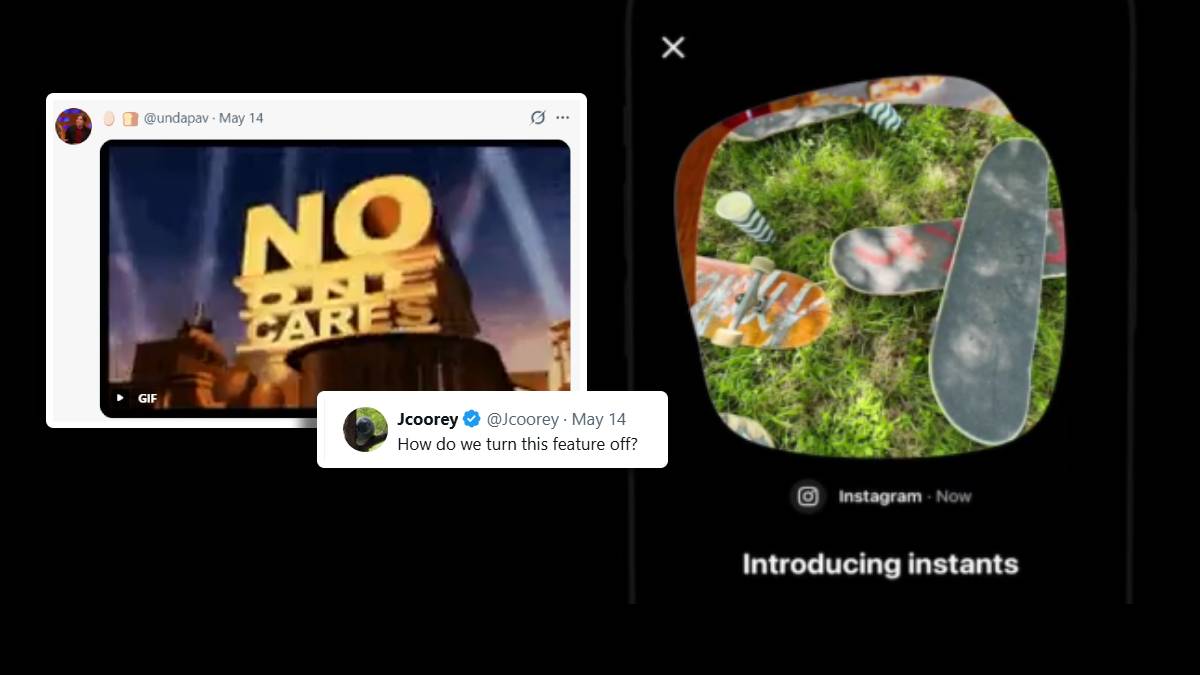
Instagram rolled out its brand-new feature ‘Instants,’ infuriating users over how annoying it has turned out to be. In its release statement, the Meta-owned firm stated
We want to make it easier to share in the moment with friends — so we’re introducing Instants, a new way to share casual, everyday photos that disappear after your friends view them. Instants live in the bottom right corner of your Instagram inbox, and with a simple tap of the camera, you can share photos with close friends or mutuals (followers you follow back). No edits, no pressure, just life as it happens.
Many users had the feature for months as beta users.
The Instants feature exists as a standalone app as well in selected countries. Like Snapchat, the Instants app gives direct access to the camera by logging into an existing Instagram account.
Say hi to Instants 👋 A new way to share in-the-moment pics with friends. Tap the mini pile of photos at the bottom right corner of your DMs to try it yourself 👀
Rolling out today. pic.twitter.com/zbhsOA9O9m
— Instagram (@instagram) May 13, 2026
The shared Instants will stack up beside the Instagram inbox, which disappears after viewing. The Instants also vanish after 24 hours but stay in the user’s archive for a maximum of one year. For every Instant share there is an undo button to spare you from regrets. It is also unlike stories, as you share captions first before the Instants. Users can also delete Instants from the archives before their friends open them in the inbox.
Instants can’t be recorded or screenshotted.
The Instants have not really settled well with most users. Several users complained on X (Twitter).
How do we turn this feature off?
One user asked.
Then what is the use of Instagram Stories and WhatsApp Status?
Yet another user advised
Take it back bruh. Give us chronological order and then leave.
How do we turn this feature off?
— Jcoorey (@Jcoorey) May 13, 2026
Then what is the use of Instagram Stories and WhatsApp Status
— Kamalesh (@KamaleshMain) May 13, 2026
How to turn off this useless feature in instagram – https://t.co/f5lBQtDxnL
— Aman Rattanpal (@AmanRattanpalX) May 13, 2026
Take it back bruh. Give us chronological order and then leave
— sey🦋 (@seyittwice) May 14, 2026
Meanwhile, many users reacted with memes on the internet conveying their displeasure over the annoying new feature.
Mark checking out the nude instants 👀 pic.twitter.com/ZN9xmGeTU0
— Rifadh Simshek ⚡️ (@SimshekTweets) May 13, 2026
@Snapchat is on the phone watching instagram steal its entire personality again.. pic.twitter.com/YvIrL73zoj
— Tara (@GleamingTara) May 14, 2026
pic.twitter.com/uJDwn8zpDS
— 🥚 🍞 (@undapav) May 13, 2026
pic.twitter.com/oi6tX7DGwh
— Mon Dieu (@lemon_dieu) May 13, 2026
What for? pic.twitter.com/1jq1uq7nxW
— matchar___ 🐶🐾 (@matchar_) May 14, 2026
How To Turn Instant Feature Off On Instagram?
Snooze
- Hold and swipe right to temporarily stop Instants.
Turn Off
- Click the 3 lines on your profile section.
- Open the settings.
- Click on “Content Preferences.”
- Toggle “Hide Instants in Inbox.’
See Also: More Instagram News On Mashable India Here
Cover: Instagram & Twitter


