Updated Jan. 9 with more analysis of what one report calls a first-of-its-kind update and news of a second Background Security Improvement release, for beta testers.
Apple’s next iPhone update is iOS 26.3, and it’s expected to go on general release in about three weeks’ time. But while the next developer beta is due any moment, Apple has just sent beta users a different kind of update, iOS 26.3 (a), which no commentator predicted. Now it’s here, one report describes the update as the “first of its kind.” More on that below. And in the meantime, Apple has pushed out a second update.
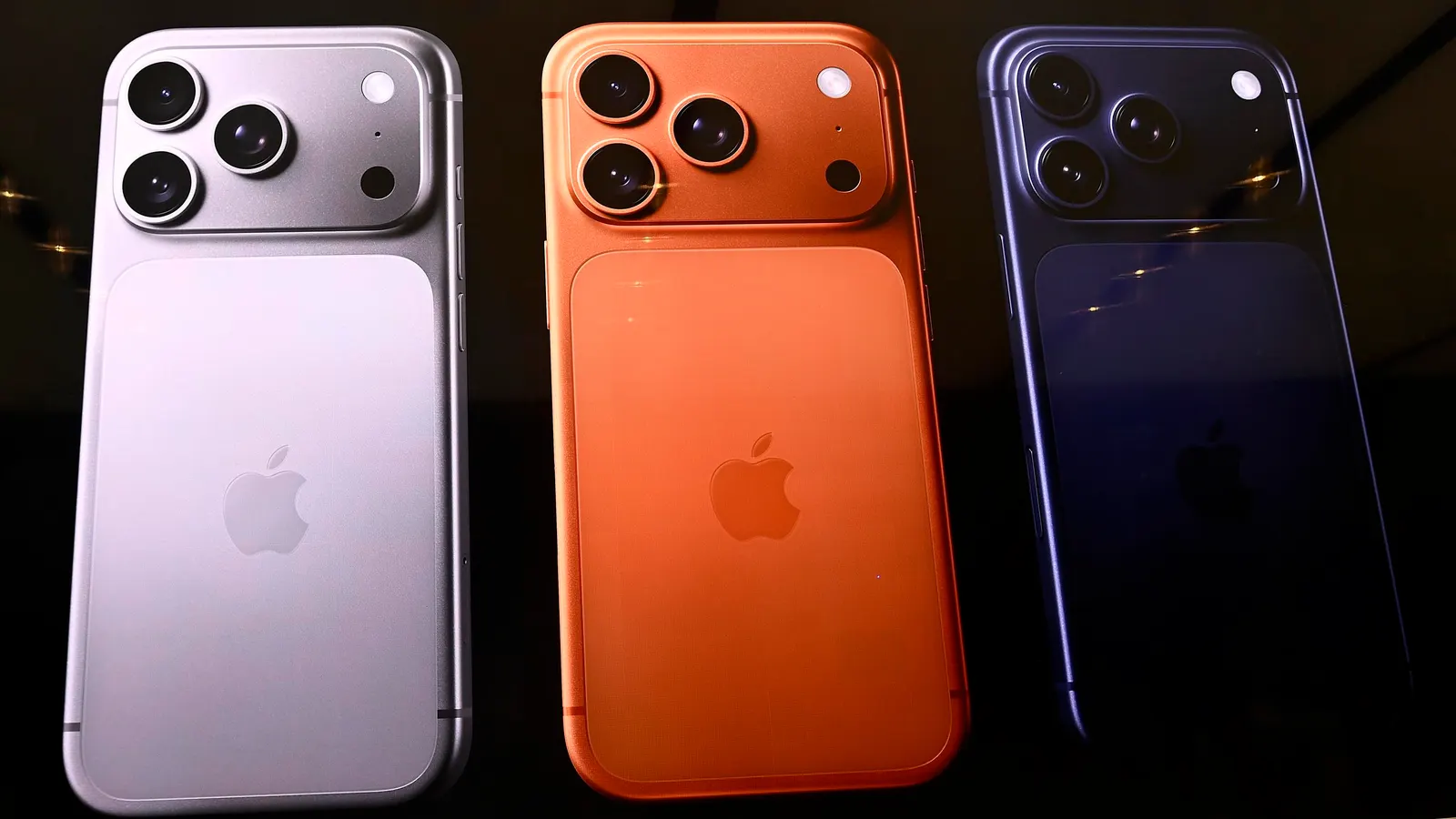
Apple iPhone 17 Pro
Getty Images
The new one is called iOS 26.3 (b) and it was released on Thursday, Jan. 8, just two days after iOS 26.3 (a). It’s also a beta release. More on that in a moment, but here’s what the (a) and (b) released are all about.
They are all about security and are found in a different place in the iPhone and removed in a new way. The update, spotted by MacRumors analyst Aaron Perris, is a Background Security Improvement feature. “Apple has released iOS 26.3 (a) for developers and public beta testers,” Perris said. That means that iPhones from the iPhone 11 onwards right up to the iPhone 17 Pro running the developer and public betas, are compatible with it, a number thought to run into the millions.
It is a test update for Background Security Improvements, which is why to find it you need to go to the Settings app, then choose Privacy & Security and then Background Security Improvements. The new iOS 26.3 (b) release is also exclusively for testing, not to deploy fixes.
Apple introduced the Background Security Improvements feature in iOS 26.1, but there hasn’t been any deployment of it yet for general use. The feature is a replacement for the Rapid Security Response system introduced in 2022 with iOS 16.
What’s different about the new feature is that if there is a compatibility issue, there’s a solution. “In rare instances of compatibility issues, Background Security Improvements may be temporarily removed and then enhanced in a subsequent software update,” Apple said in a support document.
This is a departure from other software updates on Apple devices. The new feature allows a user to go to Settings and remove the update, at which point the iPhone will restart and the security update will have gone.
Although the new release only includes a test update, it seems, it may indicate that Apple is planning to use this new way of updating the software with security features soon.
It makes sense: currently Apple has to release a smaller update, such as iOS 26.1.1, say, or wait until the next bigger update is ready. With the system that seems to be almost ready, Apple can offer smaller, security-focused updates more quickly. And if you have Automatically Install selected in Settings, then the fixes appear without you doing anything.
It’s worth noting that if you don’t have Automatically Install selected, then the security goodness the Background Security Improvements promise will still come later. “Apple says that users who opt not to install the Background Security Improvements will receive the updates in a standard software update.” MacRumors reported. That said, when these updates are for real, and not just for testing, it will be worth installing them immediately, I’d say, as the unique removal option means it’s risk-free even if problems emerge.
As spotted by Aaron at Zollotech, there’s no given size for the iOS 26.3 (a) update and to install it you take the route mentioned above (Settings > Privacy & Security > Background Security Improvements). Here, providing you’re running the developer beta, and as long as Automatically Install is turned off, then you’ll see the iOS 26.3 (a) update.
If you don’t, Zollotech points out, you can trigger it by going back to Software Update in Settings, check for an update and then go back through the route described here. It should then appear.
Both iOS 26.3 and iOS 26.3 (a) will be shown in Settings > General > About, when the new update has been installed. This is also where it explains that it’s a test. “This Background Security Improvement is for testing purposes only and does not contain any security fixes,” it says.
Want to uninstall it? Go to the same part of Background Security Improvements and tap on the blue i to the right of the update number to remove and restart the iPhone.
It was Zollotech, by the way, that referred to iOS 26.3 (a) as first of its kind.
And that brings us to the new iOS 26.3 (b) update. A lot of people were expecting the second beta of iOS 26.3 to have landed by now, so it looks like the (a) and (b) releases are here in place of an updated beta. That said, it’s still possible that the beta could arrive as soon as Friday, Jan. 9.
When it does come, the new beta could bring a new Background Security Improvement and, potentially, be something that’s not a tester but contains genuine and urgent security fixes.


