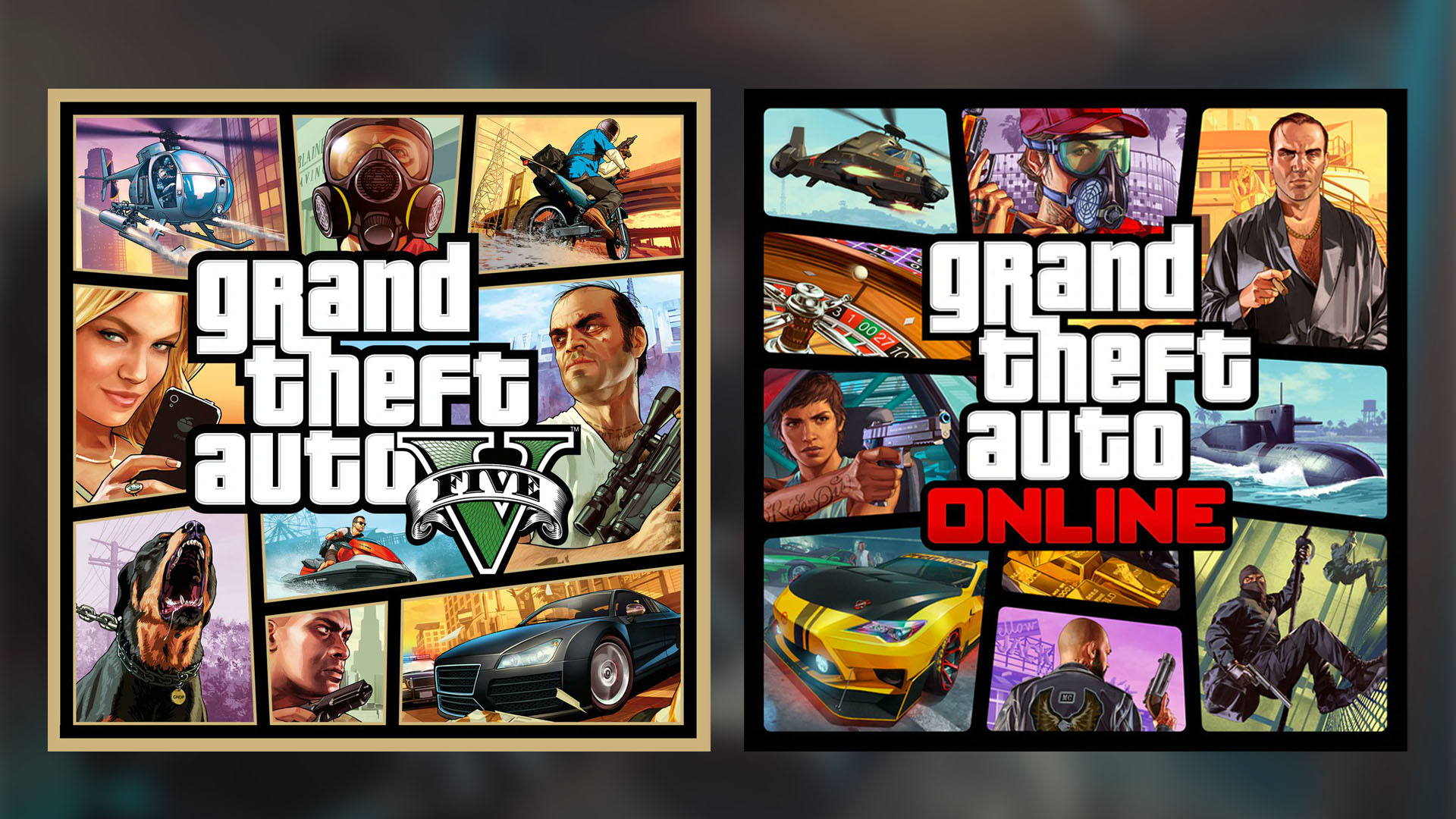
Rockstar Games are offering a free upgrade to GTA Online and GTA V players. This means players on older consoles or are playing the worse version of the game on current generation hardware can now experience all of the new content free of charge.
This means if you do not have the PS5 or Xbox Series X|S version of GTA V and GTA Online yet but own the last gen version, you can make the switch. It is complete with new graphical and technical improvements plus exclusive content.
Below is a guide for both Xbox One and PS4 players on how they can upgrade their last gen copy of Grand Theft Auto V to the next gen version.
PlayStation 4/5
Owners of the physical and/or digital version of GTA V on PS4 can download the PS5 version of GTA V from the PS5 GTA V product description page in the PlayStation Store.
Physical disc owners must have the disc in the console to verify their PS4 ownership and follow these steps:
- Sign in to your existing account on your PS5 console (or create an account).
- Insert the eligible PS4 game disc.
- Go to the game hub for the PS4 game.
- Select the upgrade offer on the game hub and review the upgrade offer.
- Select Download (or purchase with the discount price) to download/purchase content.
- After the download is complete, you can play the PS5 digital game by inserting the PS4 game disc. You need to keep the disc inserted each time to play the game.
Xbox One/Series X|S
Owners of the digital version of GTAV on Xbox One can download the Xbox Series X|S version from the Xbox Series X|S GTAV product description page in the Xbox Store. Physical disc owners cannot upgrade to a digital version due to limitations of the platform. Below are steps on how to upgrade your digital copy on console or the Xbox website:
Console
- Open the Xbox home page
- Select My Games and Apps
- Select Full Library on the left-side menu
- Select Owned Games from the top menu
- Locate and select Grand Theft Auto Online (Xbox Series X|S)
- Select Install
Xbox website
- Open the Xbox home page
- Select Search
- Enter Grand Theft Auto V
- Select Grand Theft Auto V (Xbox One & Xbox Series X|S)
- Select Install To
- Select the device where you want to install the game
Source: Rockstar Support
To keep up to date with every GTA Online news update, make sure to check back to RockstarINTEL and sign up to our newsletter for a weekly round-up of all things Rockstar Games.
Subscribe to our newsletter!


